Partnering with AI for a smooth travel planning process
Duration
Jan 2026
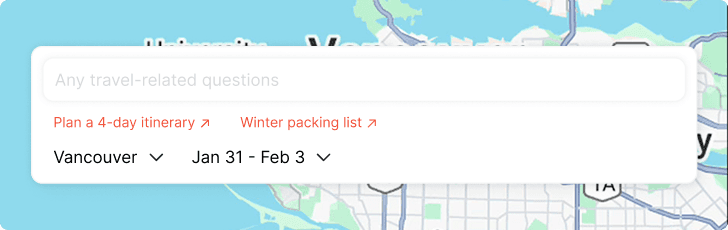
4-day itinerary
Day
Morning
Afternoon
Evening
1 - Jan 1st
Stanley Park Seawall
cycling/walking
Vancouver Art Gallery -
Emily Carr collection
Miku for aburi sushi
Gastown galleries
and Steam Clock
2 - Feb 1st
Capilano Suspension
Bridge
Grouse Mountain
Grouse Mountain Cafe
for mountain panoramas
Museum of Anthropology
- Indigenous art
Phnom Penh -
Vietnamese/ Cambodian dishes
Granville Island artist
studios
Bao Bei for steamed
pork buns
3 - Feb 2nd
Queen Elizabeth Park
& Bloedel Conservatory
Dr. Sun Yat-Sen Classical
Chinese Garden
Nemesis Coffee for
Vancouver's specialty coffee scene
Main Street street art
tour
Sun Sui Wah Seafood
Restaurant
4 - Feb 3rd
English Bay Beach
waterfront walk
Tangent Cafe for
brunch with local ingredients
Contemporary Art Gallery
Polygon Gallery
Banana Leaf -
Malaysian cuisine
Head to the airport for your flight at 9pm

Explore local food spots

Let’s get to know your food preferences!
Cuisine
Local signature
African
American
Italian
Latin American
Mediterranean
Middle Eastern
East Asian
South Asian
Southeast Asian
Diet restrictions
Vegetarian
Vegan
Dairy-free
Gluten-free
None
Book attractions & dining
Transit planning
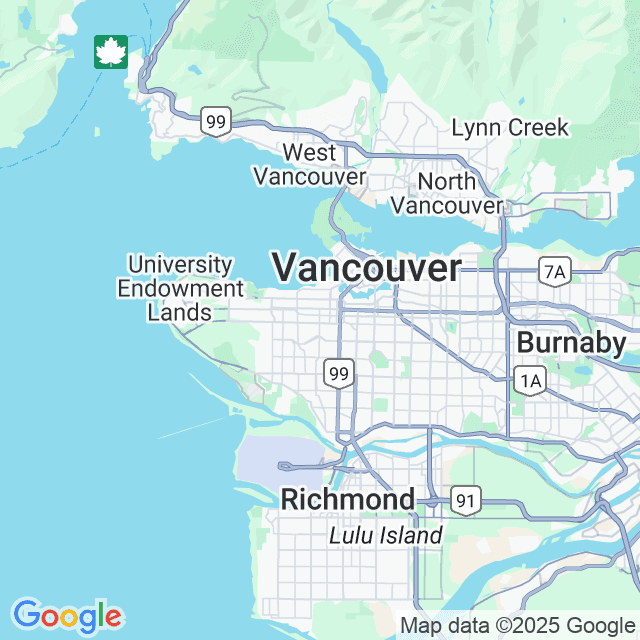
Vancouver
Jan 31 - Feb 3
Build upon the current itinerary
About Wanderlog case study
I came across Wanderlog while planning my upcoming Vancouver trip and immediately loved how it supported the entire travel planning process. But when I tried the AI feature, it felt disconnected from the rest of the app, and I found myself unsure how to use it effectively. That experience motivated me to explore design improvements to make the AI feel more intuitive and integrated.
Users struggle to articulate their intent in the early stages of trip planning.
I found myself hesitating in front of the blank chat box, unsure how to phrase my first prompt. Even after submitting one, the response felt more like a generic information aggregator than a knowledgeable personal travel assistant. Little direction leads to hesitation, shallow queries, or abandonment, which limits users’ ability to fully leverage AI.
Questions I asked:
· How might we help users overcome blank-state anxiety when interacting with AI?
· How might we guide users while allowing them to feel in control?
How might we guide users while allowing them to feel in control?
Wayfinders help users get started.
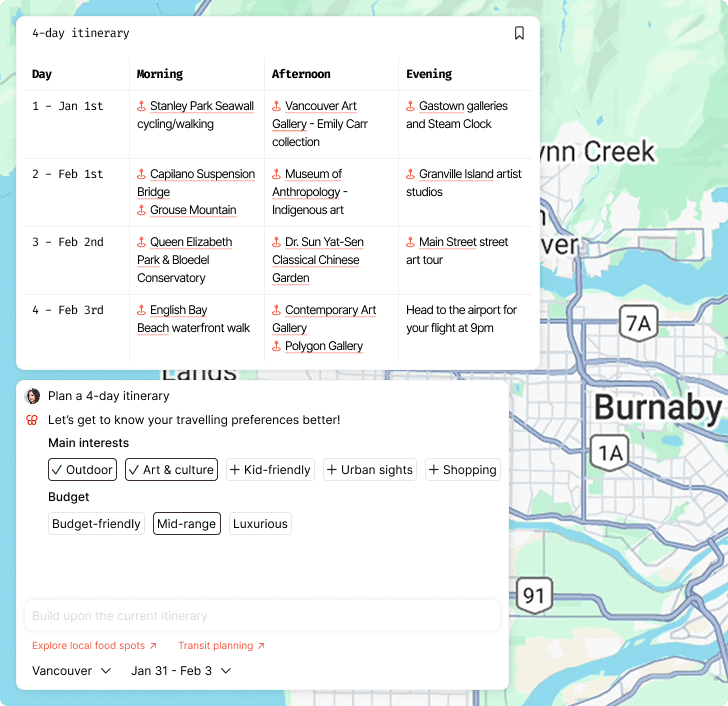
1 / Prompt suggestions
Prompt suggestions help users understand what AI can do while surfacing travel essentials they might otherwise overlook.
2 / Follow-up
Follow-up helps users refine or extend their initial interaction with AI so AI can better understand their intent.
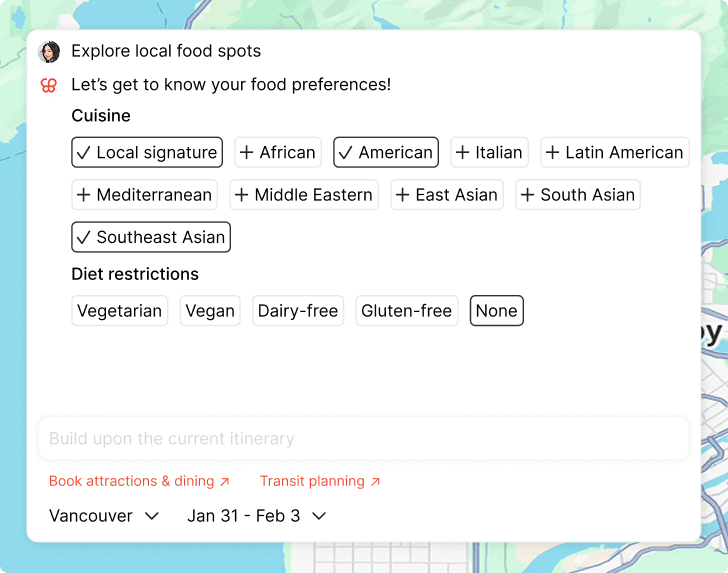
3 / Targeted prompting
Travel planning spans many components. By letting users select a specific area to ask about, we narrow the scope and help them focus on relevant details.
Example: Let users select a day/ location/ any piece of information in the travel logistics and ask AI questions about that part.
Users felt overwhelmed with the information on location cards.
I wasn’t sure where to focus—everything competed for my attention. While the information itself was useful, the lack of clear information hierarchy made the experience hard to navigate.
Questions I asked:
· What information deserves priority at first glance?
· How might we guide users' attention with visual hierarchy?
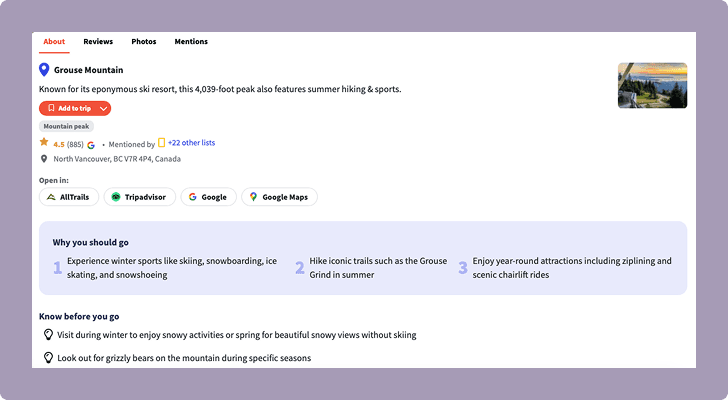
How might we guide users' attention with visual hierarchy?
1 / Content prioritization
I first identified key information that give users a general idea of the location at first glance. I prioritized text that helps with decision-making and deferred reference information.
2 / Progressive disclosure
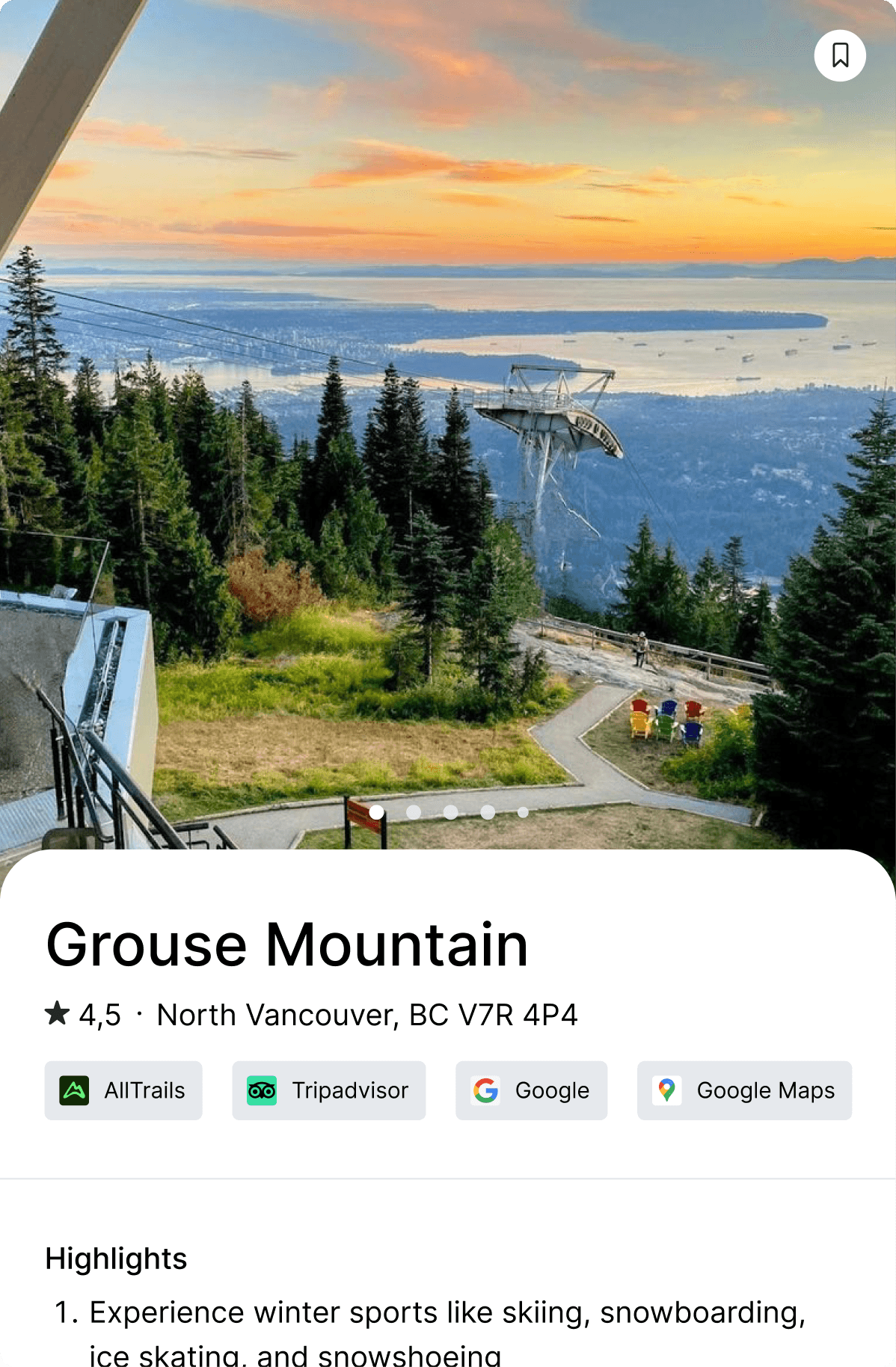
For sections with large amount of data such as Reviews and Mentions, I highlighted some examples and collapsed the rest to an external page for users who want to look deeper.